





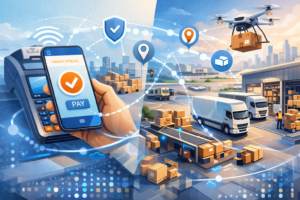
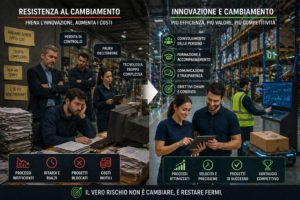
Innovazione logistica: il vero blocco non è la tecnologia
Nella logistica il vero ostacolo all’innovazione non è la tecnologia, ma la sua adozione. Senza integrazione nei processi e coinvolgimento delle persone, anche i migliori strumenti restano inutilizzati, rallentando la trasformazione operativa e riducendo il valore degli investimenti.
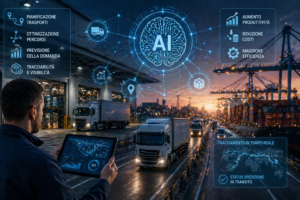
Intelligenza artificiale nella logistica: da promessa a infrastruttura operativa
L’intelligenza artificiale è sempre più presente nella logistica operativa, dalla pianificazione dei trasporti alla tracciabilità delle spedizioni. Il vero valore però non sta nella tecnologia, ma nella sua integrazione nei processi e nella capacità di migliorare decisioni, efficienza e controllo dei flussi.
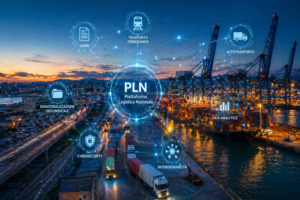
Digitalizzazione nella logistica: il problema non è investire, ma integrare
La digitalizzazione della logistica non è più una questione di investimenti, ma di integrazione. Nonostante le risorse disponibili, il vero collo di bottiglia resta l’interoperabilità tra sistemi e processi, elemento chiave per trasformare i dati in efficienza operativa reale.